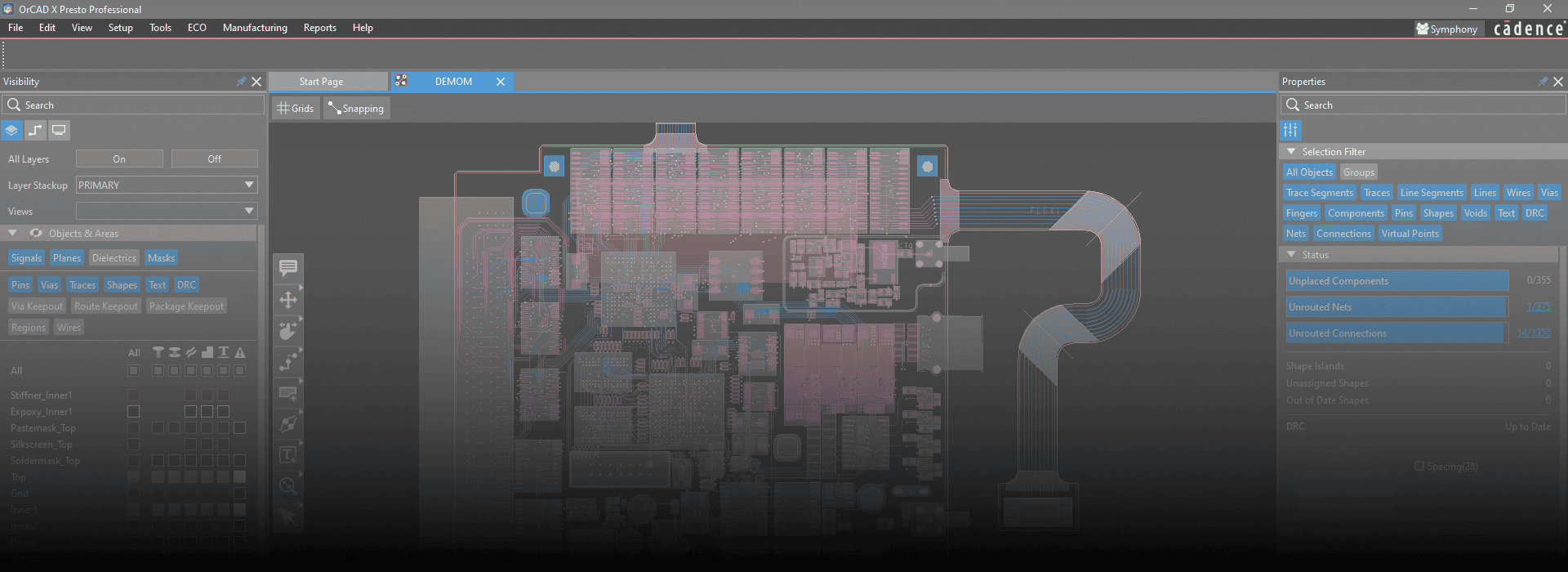
What is OrCAD Capture / PCB Editor?
OrCAD Capture and OrCAD PCB Editor are part of the OrCAD suite developed by Cadence Design Systems. They are professional tools used for designing electronic circuits and printed circuit boards (PCBs).
OrCAD Capture: It is a schematic design tool used for creating electronic circuit diagrams. Engineers use OrCAD Capture to draw and simulate circuit schematics before moving to PCB layout.
OrCAD PCB Editor (sometimes called OrCAD PCB Designer): It is used for designing the physical layout of printed circuit boards after the schematic is complete. This includes placing components, routing traces, defining board layers, and preparing files for manufacturing.
Uses and Purposes
OrCAD Capture:
- Design and capture electronic schematics.
- Perform circuit simulation and verification.
- Define netlists for PCB layout.
- Manage design libraries and components.
- OrCAD PCB Editor:
- Create the physical PCB layout from the schematic netlist.
- Place components and route PCB traces.
- Perform design rule checks (DRC) to ensure manufacturability.
- Generate manufacturing output files (Gerbers, drill files, etc.).
Support multi-layer PCB design.
Benefits & Advantages
- Industry-Standard Tool: Widely used in electronics design, making skills transferable.
- Integrated Workflow: Seamless transition from schematic capture to PCB layout.
- Design Accuracy: Advanced design rule checks and validation reduce errors.
- Simulation Support: OrCAD integrates with PSpice for circuit simulation.
- Library Management: Easy component and symbol management for efficient design.
- Complex PCB Design: Supports multi-layer boards and high-density routing.
- Manufacturing Ready: Generates standard fabrication and assembly outputs.
- Customization and Automation: Supports scripting and customization to enhance productivity.
- Collaboration: Supports version control and team collaboration on large projects.
How This Software Helps Engineering Candidates
Practical Skills: Teaches hands-on PCB design and circuit simulation.
- Understanding Electronics: Improves understanding of how schematics translate into real hardware.
- Industry Readiness: Prepares students for roles in electronics, embedded systems, and hardware design.
- Problem-Solving: Enhances analytical skills by simulating circuits and troubleshooting design errors.
- Portfolio Building: Enables creation of projects and prototypes useful for job applications.
Cross-disciplinary Use: Useful for electrical, electronics, computer, and embedded systems engineers.
Job Titles after Learning OrCAD Capture / PCB Editor Software
PCB Designer
- Electronics Design Engineer
- Hardware Design Engineer
- Embedded Systems Engineer
- Circuit Design Engineer
- Electronics Engineer
- Test Engineer (with focus on hardware)
- Product Development Engineer
- R&D Engineer (Hardware)
Manufacturing Engineer (Electronics)