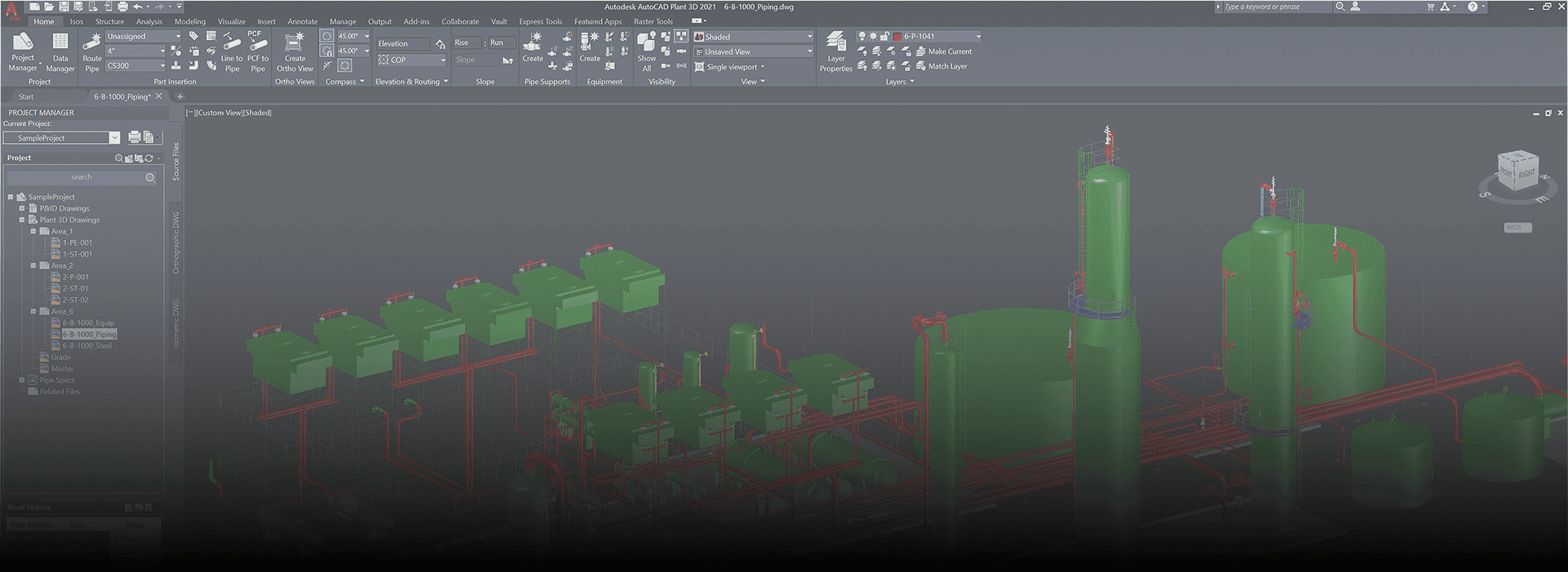
What is AutoCAD Plant 3D Admin?
AutoCAD Plant 3D Admin Software is a specialized module of AutoCAD Plant 3D, designed specifically for managing project configuration, standards, databases, and user roles in plant design projects. It provides essential tools for customizing project templates, managing specs and catalogs, setting up project standards, and controlling user permissions in collaborative engineering environments.
Uses and Purposes in the Oil and Gas Sector
In the Oil and Gas industry, AutoCAD Plant 3D Admin plays a critical role in:
- Designing Piping Systems: Enables 3D modeling of piping networks, instrumentation, and structural components.
- Creating Project Standards: Ensures uniformity across teams by managing standards like line numbering, component specs, and tags.
- Managing Piping Specifications: Allows the admin to define custom piping specs used across projects (materials, diameters, pressure ratings).
- Database Connectivity: Centralizes project data via SQL or cloud databases, enabling multi-user collaboration.
- Project Configuration: Sets up workflows, file structures, and collaboration settings for large-scale EPC projects.
Benefits and Advantages in Piping Engineering Design & Analysis
- Improved Accuracy:
- Reduces errors by enforcing standard piping specs and design rules.
- Efficient Project Setup:
- Admin users can configure new projects quickly with predefined templates and specs.
- Custom Specification Management:
- Engineers can work with customized material specs, flange ratings, and fitting dimensions.
- Enhanced Collaboration:
- Enables multiple engineers to work on the same project simultaneously with proper access control.
- Smart 3D Modeling:
- Components are intelligent (e.g., know their size, pressure rating), helping with clash detection and layout validation.
- Seamless Integration:
- Easily integrates with tools like AutoCAD P&ID, Navisworks, and BIM 360 for project review and coordination.
- Efficient Documentation
How It Helps Engineering Candidates Interested in Piping Design
- Career Entry Tool: Learning AutoCAD Plant 3D Admin gives candidates a competitive edge in landing entry-level roles.
- Real-World Application: Builds understanding of how real plants are designed, modeled, and documented.
- Practical Knowledge: Learners gain experience in industry-standard workflows used by EPCs and Oil & Gas companies.
Specialized Skillset: Proficiency in spec creation, project setup, and 3D plant modeling is highly valued.
Job Titles After Learning AutoCAD Plant 3D Admin
Job Title | Description |
Piping Designer | Creates 3D piping models and layouts using project standards. |
Plant Design Engineer | Develops complete plant design using Plant 3D and supports construction drawings. |
Piping Engineer | Performs detailed design and analysis of piping systems. |
CAD Admin / Plant 3D Administrator | Sets up and manages Plant 3D projects, standards, and specs. |
Project Engineer (Plant Design) | Oversees project execution and manages design deliverables. |
BIM Coordinator (Plant Projects) | Coordinates 3D models across multiple disciplines. |
Mechanical CAD Designer | Focuses on mechanical systems in plants using AutoCAD Plant 3D. |
EPC Support Engineer | Works with engineering, procurement, and construction teams using Plant 3D data. |